Category Archives: Ecommerce

BigCommerce Price Lists: Set Up Customer-Specific Pricing

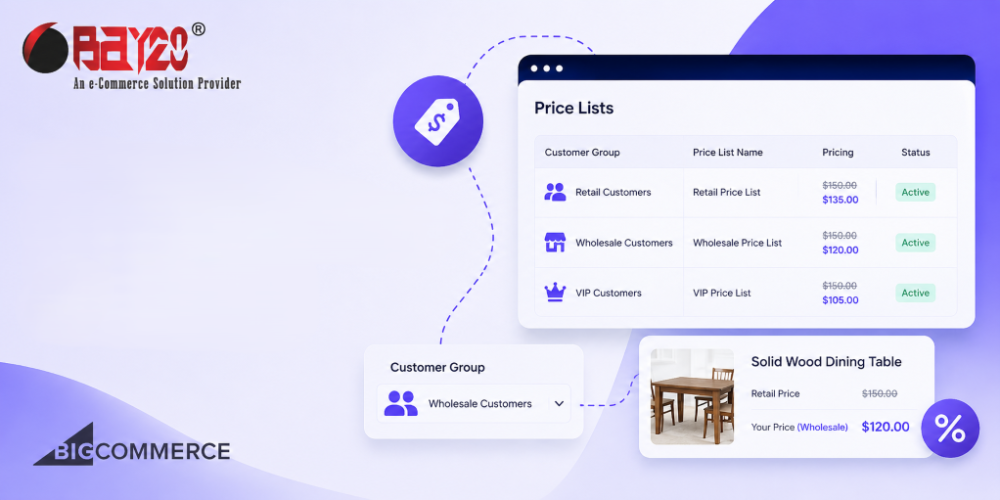
If you sell to businesses, you already know one thing: every customer wants a different price. A wholesale buyer wants a bulk rate. A long-time client wants their loyalty discount. A distributor wants a completely separate rate sheet because the contract says so. In a normal store, this turns into a mess of spreadsheets and […]
How to Build a ZIP Code-Based Sales Rep Locator in BigCommerce Using Google Sheets?

How-to-Build-a-ZIP-Code-Based-Sales-Rep-Locator-in-BigCommerce-Using-Google-Sheets

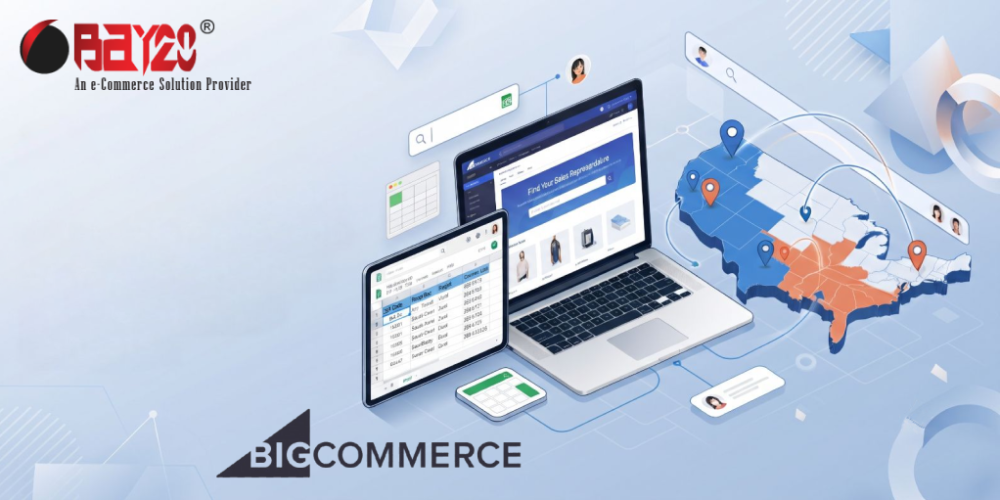
If your business works with regional sales representatives, you can add a sales rep locator for your BigCommerce store. Customers can enter their ZIP code to instantly see their assigned representative instead of emailing your support team to find out who to contact. The result will show the name, email, and phone number of the […]

Internationalization in BigCommerce Catalyst: A Complete Developer Guide

Internationalization in BigCommerce Catalyst: A Complete Developer Guide

Localization and Internationalization in BigCommerce Catalyst describe the ability to present a personalized shopping experience for shoppers in different locales. Catalyst utilizes the Next.js App Router Internationalization library to detect and track a shopper’s preferred locale, enabling the delivery of content in the correct language, the application of locale-specific formatting, and the tailoring of product offerings to specific locales.

How to Deploy Bigcommerce Catalyst with Vercel?

How to Deploy Bigcommerce catalyst with Vercel

To deploy BigCommerce Catalyst with Vercel, a few procedures are necessary. BigCommerce Catalyst is the headless commerce starter kit from BigCommerce, developed with Next.js, to deploy the kit on Vercel easily. Steps to Deploy Bigcommerce Catalyst with Vercel Follow these steps to deploy Bigcommerce Catalyst with Vercel: Step 1: Clone the Catalyst Repository You have […]

How to Create a BigCommerce Catalyst Storefront with One-Click Catalyst?

How to Create a BigCommerce Catalyst Storefront

You can create a new Catalyst storefront channel in the Channels section of the store control panel, just like other channel types. This process, referred to as One-Click Catalyst, does more than create a channel; it also includes deploying a hosted preview of the storefront and provisioning a corresponding site in the Makeswift visual editor.

Everything You Need To Know About Shopware Developer

Everything You Need To Know About Shopware Developer

We are living in the digital era where things are possible in a tap. From ordering groceries online to paying out bills, people gravitate towards the internet. That’s the reason why many brick-and-mortar store owners are shifting towards the online platform. But the first thing which arises in people’s minds is which platform to choose […]

Generating AI Powered Theme Blocks with Shopify Magic

AI Powered Theme Blocks with Shopify Magic

Shopify Magic is a set of free, AI-powered tools built directly into Shopify’s products and workflows. It helps you to easily start, manage, and grow your business. It works behind the scenes using the latest AI technology, offering smart, personalized support. Shopify Magic is helpful in everything from building your store and marketing your products […]

Visual Studio Code Extensions For Shopify Developers

Visual Studio Code Extensions For Shopify Developers - Bay20

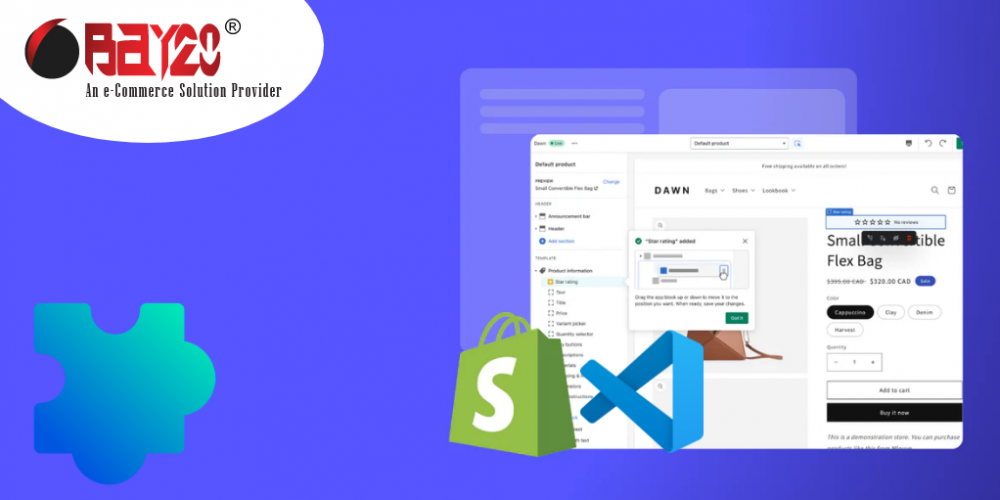
If you’re building Shopify themes or apps, Visual Studio Code is likely your go-to code editor. It’s fast, extensible, and packed with powerful features — but what really supercharges VS Code for Shopify development is the right set of extensions. In this post, we’ll look at the must-have VS Code extensions to make Shopify development […]

How does Shopify Liquid work?

Shopify Liquid Work

Liquid is an open-source templating language that was developed by Shopify, and it is written in Ruby. Liquid is the interface between the HTML structure of your shopify theme, and your stores dynamic data such as product data, information in the cart, information about the customer, etc.It’s the engine behind the dynamic parts of every […]

How to Migrate Your Shopify Theme to Online Store 2.0?

How to Migrate Your Shopify Theme to Online Store 2.0?

Shopify’s Online Store 2.0 is a collection of features and improvements of existing features that help to make themes and theme apps easier to build. It makes the themes more flexible and easier to maintain. It mostly relies on JSON templates rather than Liquid templates. Previously, only the homepage used the JSON templates; all other […]