Category Archives: Bigcommerce Tuitorial

This tutorial helps you to understand the new bigcommerce admin and stencil theme features

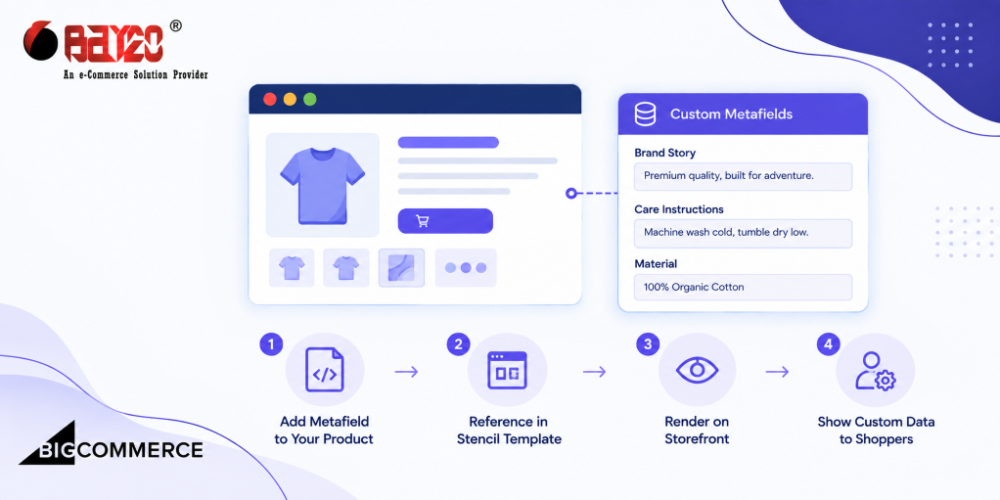
BigCommerce Metafields in Stencil Templates (GraphQL Guide)

Metafields are BigCommerce’s way of attaching structured, custom data to a product, category, brand, or cart, something beyond what the standard fields cover. They are organized under a namespace and key, so multiple apps or features can store their own data without stepping on each other. Metafields are a genuinely useful piece of the platform. […]
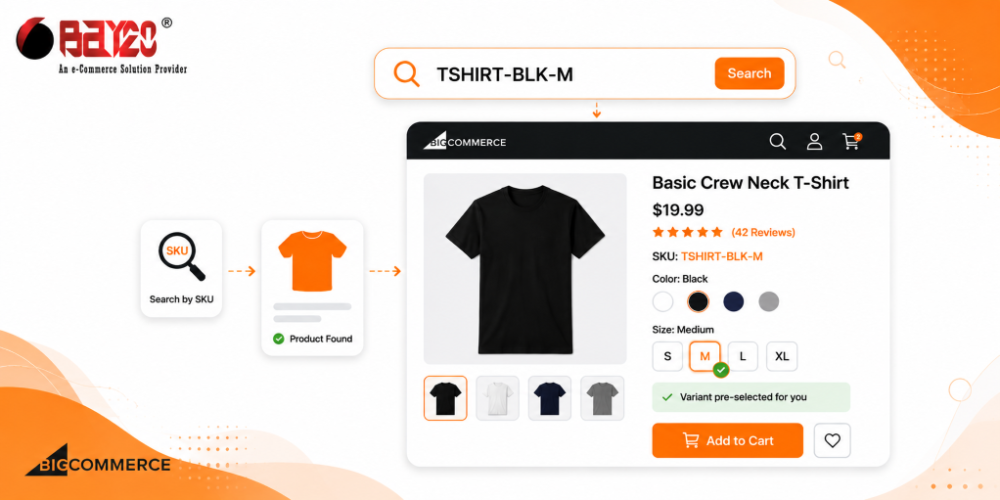
How to Search Products by SKU in BigCommerce with Variant Pre-Selection?

If you run a BigCommerce store with a lot of variants, you’ve probably run into a problem like this. A customer has a SKU in hand, maybe from a spec sheet, an old invoice, or a catalog PDF, and they type it into your search bar expecting to land straight on that exact version of […]

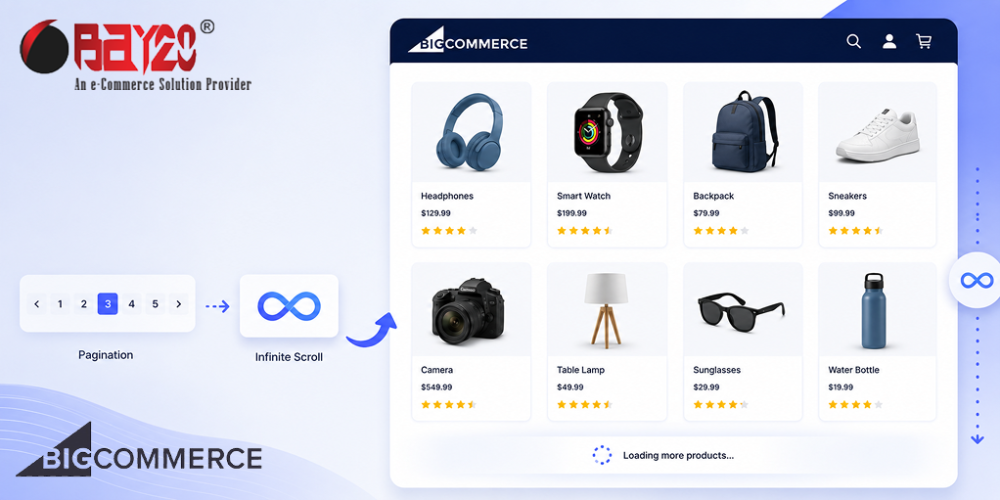
BigCommerce Infinite Scroll: Replace Pagination (Stencil)

If you have ever built a category page in BigCommerce, you know the default setup. Products load in a grid, and at the bottom, there is a row of page numbers. Click 2, wait for the page to reload, click 3, wait again. It works, but it is not exactly a modern shopping experience anymore. […]

Create Custom User Roles in BigCommerce B2B Edition

Using Bigcommerce B2B Edition, you can create user accounts for your staff. You can give them access to the B2B Edition control panel, specify what they can do, and assign specific Company accounts that they will manage. There are predefined user roles in the B2B Edition that provide permissions for your staff to perform the […]

Customize the BigCommerce B2B Buyer Portal Locally

After you have Set up the B2B Buyer Portal for Local Development, you will need to follow one of the following paths (Developing on Stencil or Developing for Headless) so that the buyer portal scripts are configured and injected into the storefront pages. Developing on Stencil 1. Navigate to Script Manager in your Bigcommerce admin panel […]

How to Setup B2B Buyer Portal for Local Development?

B2B Buyer Portal is an open-source monorepo frontend application designed for the BigCommerce B2B Edition Buyer Portal. This Buyer Portal is built using Turborepo, TypeScript, and React. This allows developers to build a customized buyer portal experience using the Buyer Portal’s source code, reducing the solution’s cost for complex B2B needs. BigCommerce provides a strong foundation for developers […]

BigCommerce B2B Edition Features & Tools: Complete Overview

BigCommerce-B2B-Edition-Features-and-Tools-Complete-Overview.png

BigCommerce B2B Edition is the Enterprise B2B offered by BigCommerce. It provides a collection of back-end and self-serve tools for optimizing the experience of B2B ecommerce. It is an all-in-one solution that supports enterprise-level B2B functionality for businesses of all types and sizes. This enables business owners to offer and provide customers with self-service account […]

How Can You Create a Company from the BigCommerce B2B Dashboard?

BigCommerce

In the BigCommerce B2B edition, there are several ways to create a company. Apart from customers applying for a Company account, there are other ways to create company accounts from the Bigcommerce B2B dashboard. You can check our Apply for Company Account blog for applying for a Company account. Let’s have a look at the […]

Add Metafields in BigCommerce

Add Metafields in BigCommerce

Metafields in BigCommerce are used to provide additional information about the Products, Variants, Categories, Brands, Carts, Customers, Orders, Locations, and Channels. It is pieces of information constructed in key-value pairs. BigCommerce doesn’t have the feature for adding the metafiles via the admin panel but there are some ways of adding them. Via API Apps Adding […]

Upload favicon in BigCommerce

Upload Favicon in BigCommerce

A favicon stands for “favorite icon” and is a small icon associated with a website or web page. It appears in various places such as the browser tab, bookmarks, and address bar. It represents the website’s or store’s brand or logo, providing a visual cue for users when browsing or managing their tabs. Steps and […]