

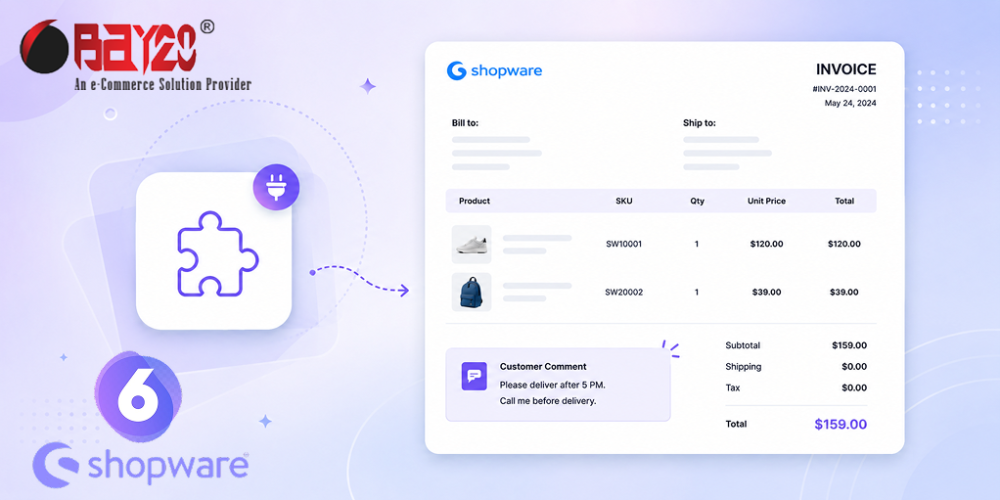
A customer types a note at checkout. “Please leave with the neighbour.” “This is a gift — no price on the paperwork.” “Deliver after Friday, we are closed until then.” Then that note sits quietly inside the Shopware admin, on a screen nobody in the packing area ever opens.
Meanwhile the person picking and packing the order is working from one thing: the printed invoice. If the comment is not on that sheet, it does not exist. Bay20 Customer Comment In Invoice closes that gap.
What it does
The plugin places the customer’s checkout comment directly below the product table on the invoice document. No extra clicks, no cross-referencing an order number against the admin panel. The note travels with the paperwork all the way to the warehouse bench.
That single change quietly removes a whole category of everyday errors: missed delivery instructions, gift orders shipped with a price slip inside, special requests discovered days after the parcel has gone out.
Setting it up
Installation is the usual Shopware three-step: install, activate, clear the cache. One extra step matters — the comment box has to be switched on so customers can write something in the first place. In the Shopware administration, go to Settings → Cart settings and enable “Show comment field on checkout confirm page”.
From there the plugin handles the rest, and you can activate or deactivate the functionality per sales channel — useful if you run separate B2B and B2C storefronts and only want notes surfacing on one of them.
Who gets the most from it
- Food, florists and perishables — where delivery timing instructions are not optional extras.
- Gift-heavy retailers — where “no invoice in the box” needs to reach the packer, not the inbox.
- B2B sellers — where purchase-order references and department names arrive in the comment field.
- Any store with a physical fulfilment team that works from paper rather than screens.
Proven in production
This is not a new release. It has been on the Shopware Store since December 2023, has been kept current through Shopware 6.5, 6.6 and 6.7, and carries a 5-star merchant review praising the smooth setup and the responsiveness of the Bay20 support team. It runs on Shopware 6.5.0.0 through 6.7.12.1 and ships with both English and German language files.
It is a small plugin that solves a small problem — but it is a problem that costs real money every time it happens. See the listing on the Shopware Store, or browse all Bay20 Shopware extensions to see what else fits your setup.
For more updates or any support related to Shopware 6, please contact us at wargis@bay20.com/manish@bay20.com or call +91-8800519180 / +91-9582784309. You can also visit our Shopware development page to explore the services we offer.






