

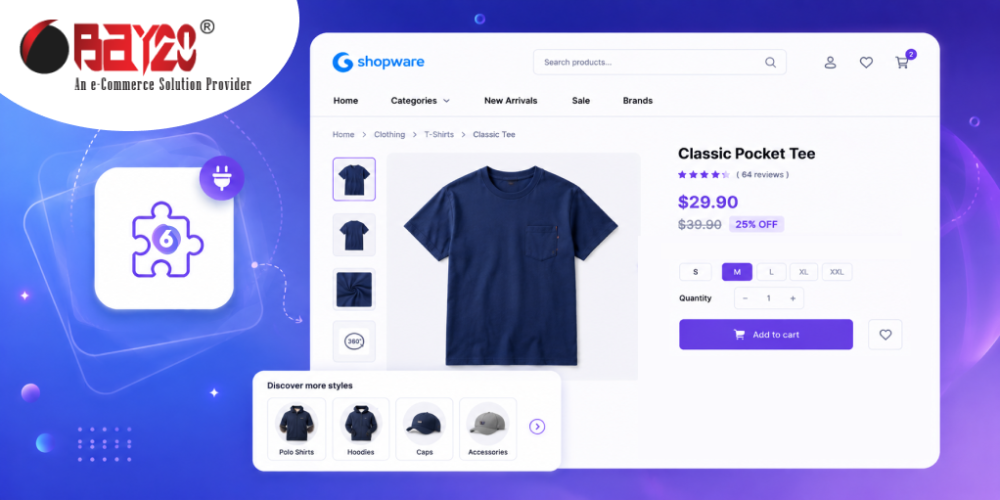
Think about how people actually arrive at your store. They rarely start on the homepage and browse politely down through your navigation. They land on a product page — from Google, from an ad, from a shared link — with no idea what else you sell. At that moment your product page is doing two jobs. It has to sell the product, and it has to answer the unspoken question: what kind of shop is this? Bay20’s Categories on the Detail Page Shopware Plugin answers the second one.
Context, not just a breadcrumb
The plugin displays the assigned category information directly on the Shopware 6 product detail page — the category name, its image, and its description. Not a thin text breadcrumb, but a proper visual block that shows the visitor the world this product belongs to.
A single pair of hiking boots becomes a way into your whole outdoor footwear range. A replacement filter becomes an entry point to the equipment it fits. The category description you already wrote — the one currently doing nothing on a listing page nobody lands on — starts earning its keep on your highest-traffic pages.
Three things it quietly improves
- Discovery — visitors who arrive deep in the catalogue get an obvious route to related products instead of a dead end.
- Internal linking — every product page gains a contextual link to its category, which helps search engines understand your catalogue structure and spreads authority to pages that need it.
- Trust — a rich, well-presented category block signals a real specialist store rather than a thin dropshipping page.
No development required
Install, activate, clear the cache, then open Extensions → My extensions → Configure and enable it for the sales channels you want. It uses the category data already sitting in your Shopware admin — nothing to duplicate, nothing to maintain separately. Update a category description once and every product page carrying it updates too.
This one has been in the Shopware Store since February 2024 and is maintained across Shopware 6.5.0.0 to 6.7.12.1, in English and German.
It suits catalogue-heavy retailers best — anyone with genuine category depth worth showing off: home and garden, tools and equipment, speciality food, fashion, auto parts. View the plugin on the Shopware Store, or if you would like the block styled to match your theme exactly, our Shopware development company page explains how we handle custom work.
For more updates or any support related to Shopware 6, please contact us at manish@bay20.com or call +91-8800519180 / +91-9582784309. You can also visit our Shopware development page to explore the services we offer.






